
[ad_1]
Can you really get Wi-Fi on a cruise ship? Absolutely, yes. Is it as fast and reliable as it is at home? Not yet, but thanks to a massive industry shift toward Starlink technology, we are getting closer than ever.
Internet access on a cruise is quickly becoming just as seamless as connecting from your living room.

*Last updated April 2026 to reflect fleet-wide Starlink rollouts and new pricing.
On the many cruise ships I’ve sailed on, I’ve experienced both blazing fast internet and speeds so slow they were practically unusable. However, the days of frustratingly slow “dial-up” speeds at sea are finally fading into the rearview mirror.
Cruise lines realize how important it is for their passengers to stay connected. Whether it’s for work, social media, or just peace of mind, high-speed Wi-Fi is now a top priority for travelers.
Uploading photos of your trip, using messaging apps, and checking in on loved ones is easier than ever. With modern streaming plans, you can even keep up with your favorite shows on Netflix, Amazon Prime Video, and Disney Plus. Even video calls are now clear and reliable on most modern vessels.
Related: 10 Ways Rookies Waste Money on a Cruise
In this article we will cover everything you need to know about Wi-Fi on a cruise ship in 2026, including the latest pricing for major cruise lines.
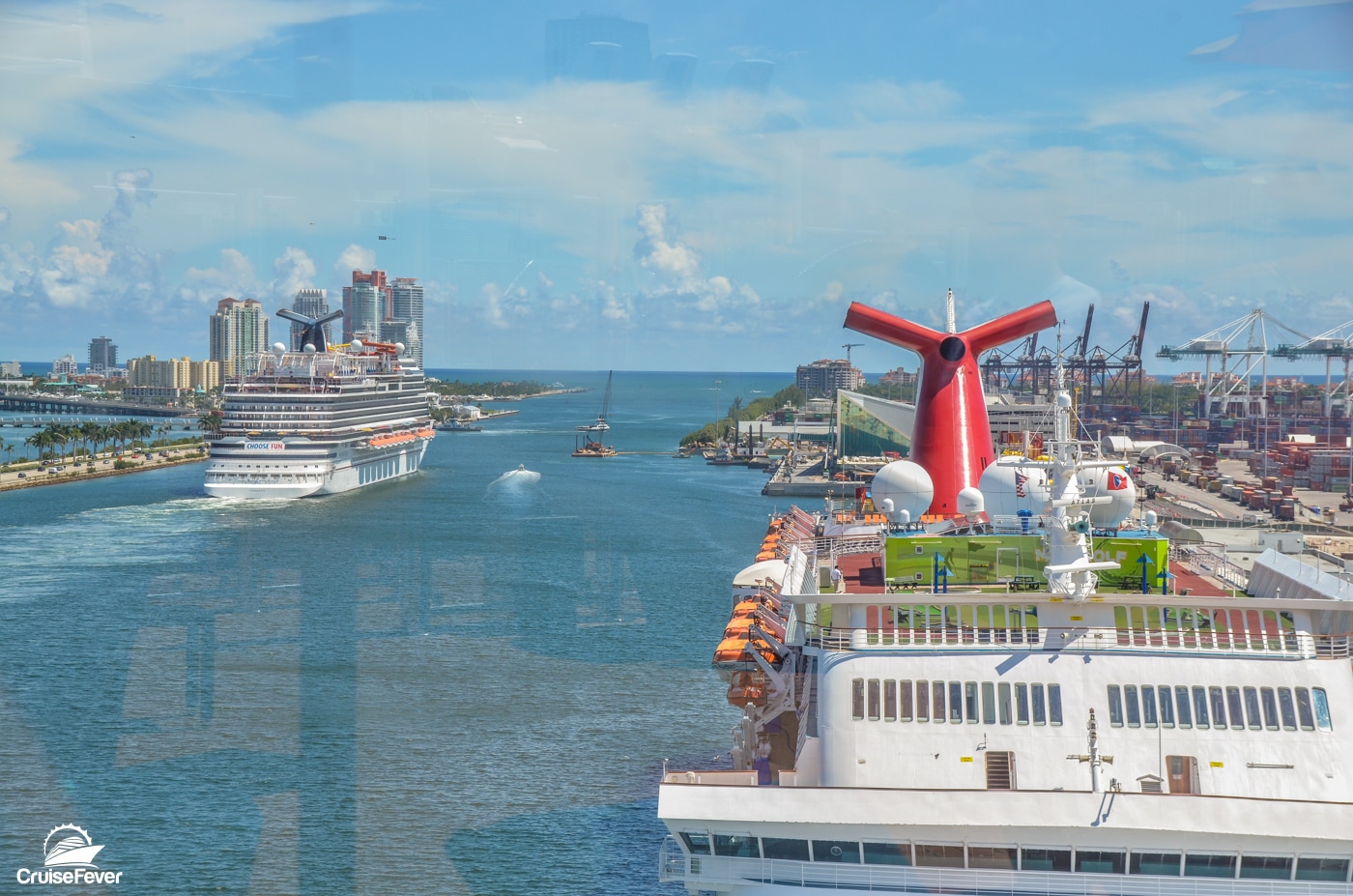
How does Wi-Fi on a cruise ship work?
Most cruise ships get Wi-Fi through satellite technology. Traditionally, this meant using satellites in high Earth orbit, which resulted in “latency” (that annoying delay when you click a link).
Today, the industry has shifted to Low Earth Orbit (LEO) satellites, specifically SpaceX’s Starlink. Because these satellites are much closer to Earth, the signal travels faster, providing speeds that feel much more like your home fiber or cable connection.
Ships are equipped with multiple antennas to receive these signals, which are then distributed throughout the ship via routers. While you’ll find the best signal in public areas, most modern ships now provide strong coverage right in your stateroom.
The Starlink Revolution
Starlink has been the ultimate game-changer for cruise ship internet. What started as a pilot program on a few ships has now become the industry standard. Major players like Royal Caribbean, Carnival Cruise Line, Norwegian Cruise Line, and Virgin Voyages have rolled out Starlink fleet-wide.
Because Starlink uses a massive constellation of satellites, coverage is more consistent even in remote areas like Alaska or the middle of the Atlantic. It has allowed cruise lines to move away from restrictive “data caps” and offer true unlimited streaming packages that actually work.
Using Wi-Fi on a ship without paying for a package
Even if you don’t want to pay for a Wi-Fi plan, you should still keep your phone’s Wi-Fi turned on and connect to the ship’s network. This allows you to use the cruise line’s mobile app for free.
In 2026, these apps are essential. You’ll use them to:
- View the daily schedule of events
- Make specialty dining reservations
- Book shore excursions
- View your onboard account balance
- Message other passengers on the ship (sometimes for a small one-time fee)
Cost of Wi-Fi for Main Cruise Lines (2026 Pricing)
Pricing for Wi-Fi has stabilized, but it is generally higher than it was a few years ago. Most lines offer a discount if you purchase your package through the cruise planner before you sail.
Carnival Cruise Line
Carnival typically offers three tiers with an additional multi-device plan. Prices below reflect the pre-purchase discount:
- Social Wi-Fi Plan ($20.40 per day): Access to popular social sites and airline apps only. No general web browsing or email.
- Value Wi-Fi Plan ($23.80 per day): General web surfing and email. Does not support video streaming.
- Premium Wi-Fi Plan ($25.50 per day): The fastest tier, supporting Starlink-backed streaming and video calls.
- Multiple Device Wi-Fi Plan ($90.00 per day): Starting at this rate for up to four devices.
Royal Caribbean International
Royal Caribbean uses VOOM powered by Starlink. They have simplified their pricing but remember it’s dynamic. This means the price may be higher or lower than what you see below but these are rough averages.
Always check your cruise planner early to see an exact price and lock down a rate.
- VOOM Surf & Stream (about $28.99 per day): The standard single-device rate. Supports high-speed streaming, video calls, and social media.
- Multiple Device VOOM Plan ($52.00 per day): This is the “2-Device” rate; a 4-Device plan typically starts around $80.00 per day ($20/device).
Norwegian Cruise Line
NCL offers “Free at Sea” promotions that often include a limited number of Wi-Fi minutes. For unlimited access:
- Unlimited Wi-Fi Pass ($29.99 per day): General web browsing, email, and social media. Does not support streaming.
- Unlimited Streaming Wi-Fi Pass ($39.99 per day): Includes all streaming services (Netflix, etc.) plus VPN access.
- Multiple Device Streaming Plan ($84.99 per day): Covers up to four devices on the streaming tier.
Celebrity Cruises
Celebrity encourages the “All Included” fare, but if you buy separately:
- Basic Wi-Fi Plan ($20.00 per day): Suitable for messaging and email only. (Note: Only available as an “included” perk; if buying a-la-carte, you are usually pushed to Premium).
- Premium Wi-Fi Plan ($35.00 per day): Full Starlink speeds for streaming and video calls. Pre-purchase often drops this to $27.00.
- Multiple Device Premium Plan ($53.00 per day): The discounted rate for two devices under one account.
Princess Cruises
Princess has introduced “MedallionNet Max” as their highest tier.
- MedallionNet Classic ($24.99 per day): Reliable for basic browsing and social media on one device.
- MedallionNet Max ($44.99 per day): The highest priority bandwidth, usually bundled into Princess Plus/Premier.
- Multiple Device Classic Plan ($44.99 per day): Covers up to four devices on the Classic tier.
MSC Cruises
MSC almost exclusively sells Wi-Fi as a full-voyage package rather than daily.
- Browse Cruise Plan ($16.00 per day): Basic browsing and 24/7 chat (WhatsApp/iMessage).
- Browse & Stream Plan ($21.00 per day): Supports video streaming and video chat for one device.
- Multiple Device Browse & Stream ($45.00 per day): Rate for two devices for the duration of the cruise.
Virgin Voyages
Virgin remains a leader in value here: Basic Wi-Fi is complimentary for all sailors. If you want to stream or use high-bandwidth apps, you can upgrade to “Premium” for about $15 per day (or it’s included if you’re in a Mega RockStar Quarters).
Tips for saving money on Cruise Wi-Fi
- Book Early: Almost every cruise line offers a 10% to 20% discount if you buy your Wi-Fi package online before your cruise starts.
- Share a multi-device plan: It is almost always cheaper to buy one “4-device” plan and split the cost with your cabin-mates than it is to buy four “1-device” plans.
- Check your loyalty status: High-tier past guests (like Platinum on Carnival or Diamond on Royal Caribbean) often get free Wi-Fi minutes or significant discounts.
- Leverage T-Mobile or International Plans: If you have an international plan, wait until you are in port to do your “heavy lifting” (updates, large uploads) on the local cellular network for free.
FAQ on Wi-Fi on a Cruise Ship
Can I use a VPN on the cruise ship?
With the move to Starlink, VPN support has improved significantly. However, most lines still only support VPNs on their highest “Premium” or “Streaming” tiers. Even then, some corporate VPNs may struggle with the ship’s firewall settings.
Can I bring my own Wi-Fi hotspot?
A personal cellular hotspot will only work when you are close to land. Once the ship is about 10-12 miles out at sea, your hotspot will lose signal. Satellite-based personal hotspots are extremely expensive and generally not permitted for use on the ship’s open decks.
What happens if I don’t use Airplane Mode?
This is the most important rule: Turn on Airplane Mode the moment the ship leaves the dock. If you don’t, your phone will connect to “Cellular at Sea.” This is NOT part of your land-based data plan and can result in roaming charges of $10 or more per megabyte.
Can you text without Wi-Fi?
If you have an iPhone and both you and the recipient are on the ship’s Wi-Fi, iMessage usually works even on “Basic” plans. For Android users, apps like WhatsApp or Facebook Messenger are the most reliable. Most cruise apps also offer an onboard “Chat” feature for a small flat fee (around $5-$10 per cruise).
Looking for the Best Cruise Deals?
Search Multiple Sites at Once
Instant Real Time Pricing
Search Now
[ad_2]
Source link