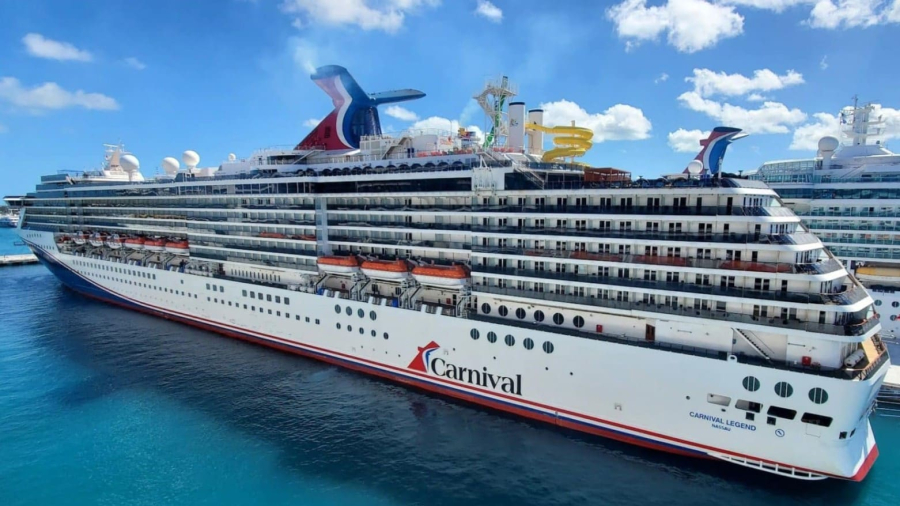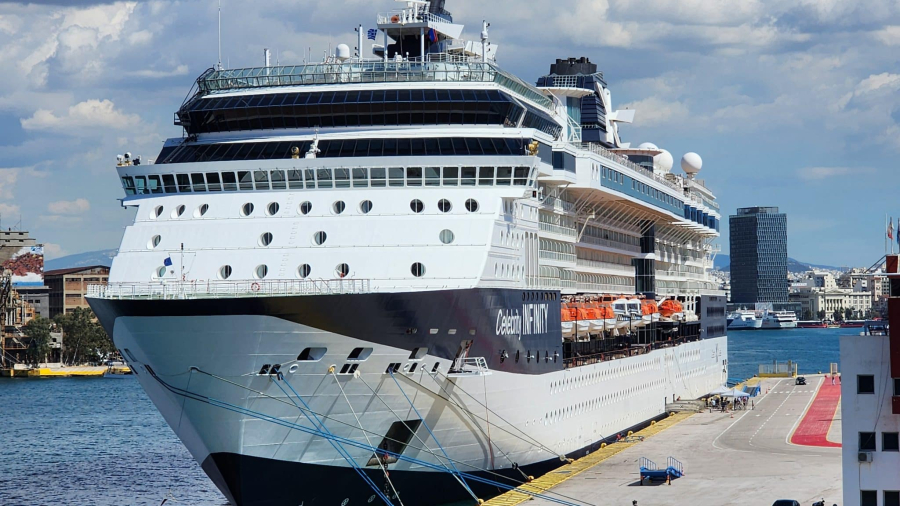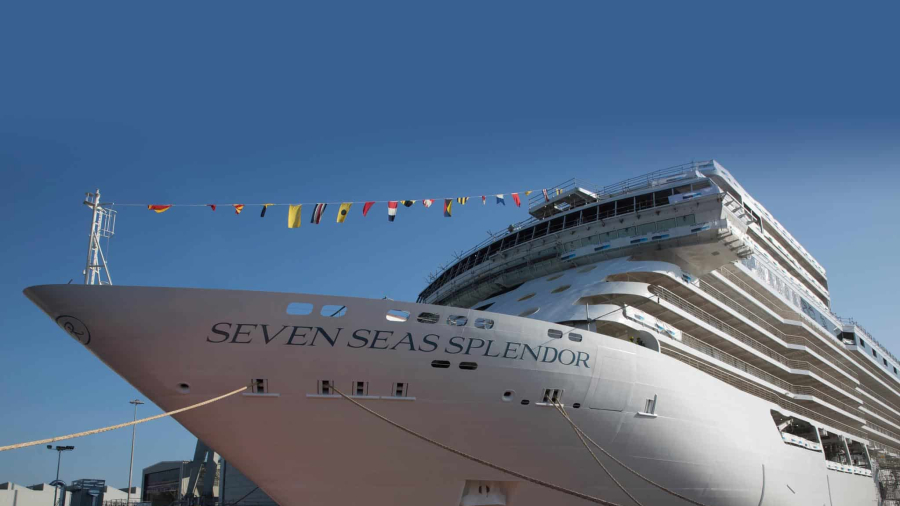

Yes, working remotely on a cruise is realistic in 2026. Most big cruise lines now run their Wi-Fi over Starlink, which handles email, cloud apps and most video calls. You will need the right internet tier, which usually costs about $20 to $40 per device per day. You should also check your cruise line’s VPN rules and keep a backup plan for the odd dropout.
Ship internet has changed a lot since the days of slow, pay-by-the-minute connections. Even so, a ship is not a home office. Below is what each major line offers, which plan you need for Zoom or Teams, how to avoid big phone bills, and how to plan your sailing around your workload.
Can you work remotely on a cruise ship in 2026?
For most office-type jobs, yes. Since 2023, Starlink’s low-orbit satellites have replaced or topped up the older geostationary systems on most mainstream fleets. That means faster speeds and much lower lag. Starlink’s own figures for maritime service are roughly 25 to 220 Mbps down and 5 to 20 Mbps up, but your share on a ship holding several thousand guests will be far lower. Speed also drops when everyone logs on at once, in bad weather, and in some regions.
Work that doesn’t have to happen live, like email, documents, spreadsheets, project tools and Slack, is the easiest to do at sea. Live work, such as client calls, trading screens and remote desktop sessions, usually works on a premium plan but is less predictable. Before you book, ask yourself two questions: how many of my hours must be live, and does my employer allow me to work from international waters?
That second question matters more than people expect. Some employers forbid working from outside the country for tax, data-protection or insurance reasons. A ship is often in international waters or in a foreign port. If you are an employee, get written approval first.
Which cruise lines have Starlink?
By late 2026, Starlink or a Starlink-based blend is standard on most large ocean lines. These lines have announced or reported fleet-wide or near fleet-wide use: Royal Caribbean (sold as VOOM), Celebrity, Carnival, Norwegian, MSC, Holland America, Cunard, Disney, Virgin Voyages, Viking, Oceania, Regent Seven Seas, Seabourn, Silversea and Explora Journeys. Princess uses MedallionNet, which combines Starlink with other satellites and 5G near shore. A few expedition ships and ships sailing in far-off regions may still use older systems, so check your specific ship if you’ll be far from the usual routes.
Starlink doesn’t fix everything. Coverage can thin out at high latitudes, and steep fjords or mountains can block the signal for a while. On Alaska, Norway or Antarctica sailings, plan for some offline stretches.
Cruise ship Wi-Fi for work: what it costs
The table shows typical 2026 prices per device per day for full-cruise plans bought before you sail. Prices go up and down with promotions, ship and sailing length, and buying onboard usually costs more. Treat these figures as a guide and check the line’s app or cruise planner for your own sailing.
| Cruise line | Plan for work and video calls | Typical price per day | VPN |
|---|---|---|---|
| Royal Caribbean | VOOM (one unlimited tier, streaming included) | About $20 to $33; 24-hour pass about $35 | Usually works, but not every protocol |
| Carnival | Premium (Value doesn’t allow video calls) | From $25.50 before you sail; $28 onboard | Not supported, per Carnival |
| Norwegian (NCL) | Streaming or premium tier | Roughly $35 to $40 | Premium or streaming tier only |
| Princess | MedallionNet (Max with Plus or Premier bundles) | From $24.99 | Not stated; test early |
| Celebrity | Premium Wi-Fi | Roughly $25 to $31 (included in some fares) | Check before sailing |
| MSC | Browse and Stream | Roughly $18 to $21 | Often reported as blocked |
Some things to know before you buy:
- One device at a time is the norm. If you need a laptop and a phone online together, for example for two-factor codes, you’ll need a multi-device plan or a second login.
- Buy early. Pre-cruise prices are usually lower than onboard ones, and sales often appear in the run-up to sailing.
- Some fares include Wi-Fi. Celebrity’s all-included fares, NCL’s Free at Sea offers, Virgin Voyages and many luxury lines include basic or full Wi-Fi. If you’ll be working, check whether the included tier supports video calls. Often only the paid upgrade does.
- Bringing your own satellite gear is not allowed. Cruise lines generally ban personal Starlink terminals and similar devices, and some have taken them from guests.

Zoom on a cruise: will video calls work?
On a premium or streaming tier, Zoom, Microsoft Teams, Google Meet and FaceTime usually work on Starlink-equipped ships. Carnival’s own plan page lists Zoom and FaceTime under its Premium plan only. Its cheaper Social and Value plans don’t support video. Most lines are similar: basic tiers are for messaging and browsing, and live video needs the top tier.
A few habits make calls much more reliable:
- Test on the first sea day. Make a short call to a colleague before any meeting that matters.
- Book calls outside busy hours. Early mornings and the main dinner seating are usually quieter online than late afternoon, when guests come back from the pool and log on.
- Turn your camera off when you’re only listening. Audio uses a fraction of the bandwidth.
- Use headphones with a mic. Cabins and public areas both have background noise.
- Have a dial-in number or chat backup ready in case the video drops.
- Stop cloud sync and updates during calls so they don’t take up your connection.
VPNs, security and logins
VPNs are the most common problem for remote workers at sea. Carnival says plainly that VPN connections are not supported, and passengers often report the same on MSC. NCL limits VPN use to its higher tiers. Virgin Voyages sells a separate Work From Sea package that supports VPNs. On Royal Caribbean, many corporate VPNs connect, but some protocols fail.
Before you go, ask your IT team whether your VPN can switch to a different protocol, such as one running over TCP port 443, and whether you can reach key tools without the VPN. Crew can’t change network settings for you onboard. Also set up two-factor authentication so it works without a text message, using an authenticator app or backup codes. Your phone may not get texts at sea without expensive roaming.
Mobile roaming at sea: avoid surprise bills
When a ship is far enough from land, your phone may connect to the ship’s own mobile network, usually Cellular at Sea or a similar provider. Unless you’ve added a cruise plan, pay-per-use charges can be very high. AT&T now sells a cruise International Day Pass at about $20 per day per line, which includes 500MB of high-speed data. Other carriers have their own cruise add-ons, so check with yours before you sail.
There are also cruise eSIMs from specialist providers that offer data through the ship’s mobile network, often starting at a few dollars a day for a fixed data allowance. They usually only work once the ship is roughly 12 nautical miles offshore, and speeds can be slow. They’re useful as a backup or for two-factor codes. They’re not reliable enough to be your main work connection. The safest default is to keep your phone in airplane mode with Wi-Fi turned on.

Working remotely on a cruise: itinerary, cabin and workspace
Your choice of sailing matters as much as your Wi-Fi plan.
Choose the right itinerary
- Sea days are your best work days. The ship is quieter while other guests are relaxing, and you won’t miss shore time. Transatlantic crossings and longer repositioning cruises have plenty of them.
- Watch the time zones. Caribbean sailings from Florida stay close to Eastern time. Crossings change the clock by an hour on several nights in a row, which can move your meetings. Set your laptop calendar to your home time zone and check the ship’s daily planner for clock changes.
- Port days can help. Local mobile data, often included in US plans for Mexico and Canada, or a café near the pier can be faster than the ship for big uploads. Allow plenty of time before all-aboard.
Pick a cabin you can work in
A balcony gives you natural light, a private spot for calls and fresh air between meetings. Our guide to booking a balcony versus an inside cabin weighs up whether the extra cost is worth it. Inside cabins are quiet and dark, which some people prefer for focused work. Wherever you stay, check where the desk and power outlets are. Older cabins may have only one or two US outlets, and cruise lines don’t allow surge protectors.
Find a quiet spot onboard
Libraries, card rooms, observation lounges and coffee bars in the morning are good places to work. Signal is often stronger in public areas than deep inside a cabin corridor. On big ships, it’s worth spending a little time on day one finding a quiet corner. Our Royal Caribbean cruise tips include more ways to get around busy ships.
Business traveller’s checklist
- Written approval from your employer to work from the ship and from foreign ports
- Wi-Fi tier that supports video calls, bought before you sail
- VPN tested, with a backup protocol and an IT contact who knows you’re travelling
- Authenticator app or backup codes set up, so you don’t depend on text messages
- Files, software updates and offline copies of key documents downloaded at home
- Calendar set to your home time zone, with the ship’s clock changes noted
- Noise-cancelling headset, a non-surge USB charging hub and a laptop stand
- Phone in airplane mode, or a cruise roaming pass or eSIM as backup
- An out-of-office message that sets expectations on response times
Finally, when working remotely on a cruise, set clear hours. It’s easy to stay at the laptop all day because the office never closes. Block out time for shows, the spa and a proper sit-down dinner. Our tips for the main dining room help you plan evenings around a late call.
FAQs
Can you work remotely on a cruise ship?
Yes. On most Starlink-equipped ships, a premium Wi-Fi tier handles email, cloud apps and video calls. Get your employer’s approval first, check the line’s VPN rules, and expect occasional slowdowns at busy times or in remote areas.
Can you use Zoom on a cruise?
Usually, yes, but only on the top or streaming tier. Basic social or browsing plans often block video calls. Test a call on your first sea day and keep audio-only or dial-in as a backup.
How much does cruise ship Wi-Fi cost for work?
A plan good enough for video calls typically costs about $20 to $40 per device per day in 2026, depending on the line and ship. Buying before you sail is usually cheaper than buying onboard.
Do VPNs work on cruise ship Wi-Fi?
It depends on the line. Carnival says VPNs are not supported, NCL allows them on higher tiers, Virgin Voyages sells a work package with VPN support, and Royal Caribbean supports many but not all VPN protocols.
Will my phone work at sea?
Your phone can connect to the ship’s mobile network, but charges without a cruise add-on can be steep. Use a carrier cruise pass, a cruise eSIM, or keep airplane mode on and use Wi-Fi calling apps over the ship’s internet.